Home – The Best Graphic Design Prompts for High-Converting Social Media visuals
Explore how our team is breaking new ground and transforming the creative landscape with fresh, exciting solutions that make a real impact.
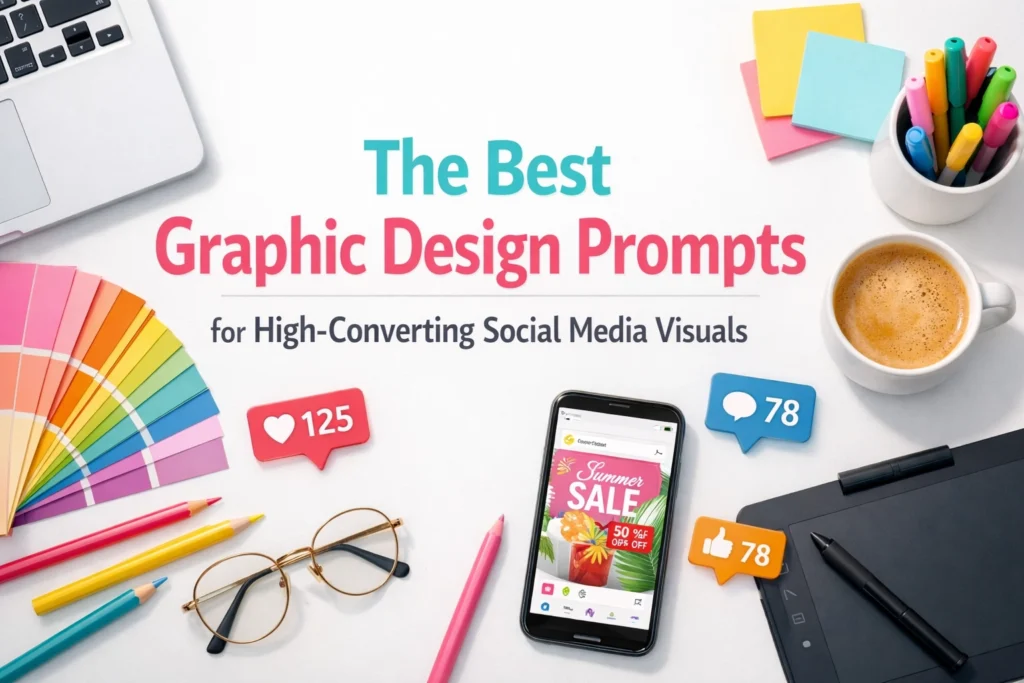
Staring at a blank canvas is a special kind of torture, isn’t it? You have the vision. You have the “big idea” that’s going to disrupt your industry. But when it comes to actually creating the visuals that stop the scroll on Instagram or LinkedIn, the creative well suddenly feels a bit dry.
Whether you are a visionary founder or a seasoned designer, the secret to scaling your output without losing your soul: or your brand’s essence: lies in mastering graphic design prompts.
The future is hybrid. It’s about merging your unique human perspective with high-speed AI tools to generate imagery that doesn’t just look “pretty,” but actually converts followers into obsessed fans. In 2026, guessing is expensive; data-driven creativity is efficient.
Let’s break down how to craft the perfect prompt to give your brand the visual “glow-up” it deserves.
If you want to go deeper (with guidance straight from the source), bookmark OpenAI’s official image prompting resources—especially the gpt-image prompting guide and their Images & Vision API guide. These are gold when you’re ready to tighten control over style, composition, and text rendering.
Before we dive into the listicles, we need to understand the mechanics. A vague prompt like “cool tech background” will give you a generic, soulless result. To get a high-converting visual, you need to be the director of the scene.
The most effective formula follows a specific hierarchy: Subject + Style + Color Palette + Composition + Reference/Mood.
Draft your prompts with this structure in mind, and you’ll find that your AI tools start acting less like a random generator and more like a highly skilled junior designer.
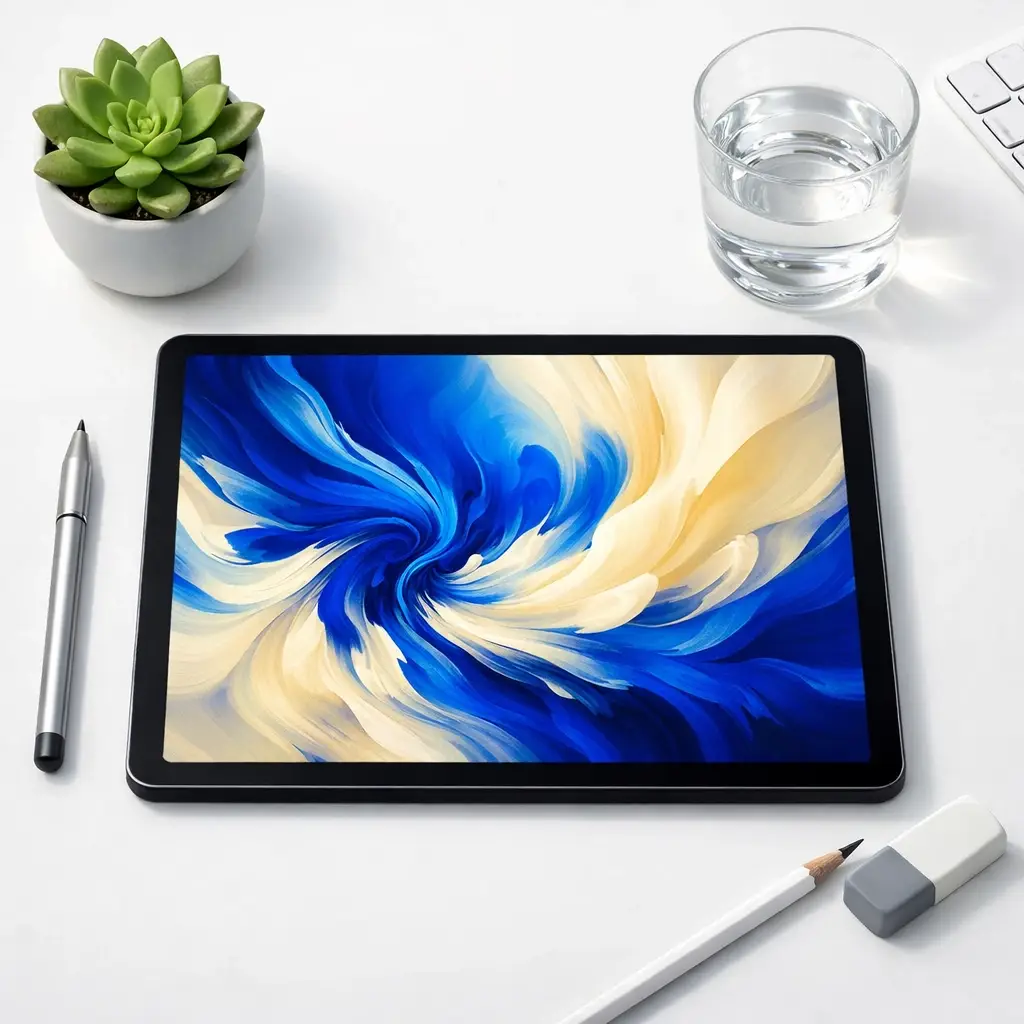
Instagram is where your brand’s “spark” lives. It’s a platform built on aspiration and aesthetic perfection. If your graphics look like a generic PowerPoint slide, your audience will scroll right past.
For high-converting Instagram visuals, your graphic design prompts should focus on lighting, texture, and emotional connection.
Optimize your Instagram presence by ensuring your visuals align with your overall brand messaging framework. Consistency is the bridge between a stranger and a loyal customer.
LinkedIn is a different beast. Here, your audience is looking for insights, leadership, and professional growth. Your visuals need to reflect a “visionary founder” persona: sleek, organized, and authoritative.
Align your LinkedIn graphics with a sense of structure and clarity. Think bold typography and data-driven layouts.
If you’re struggling to translate your professional identity into a visual language, it might be time for a brand audit. Nurture your professional reputation by investing in high-quality assets.
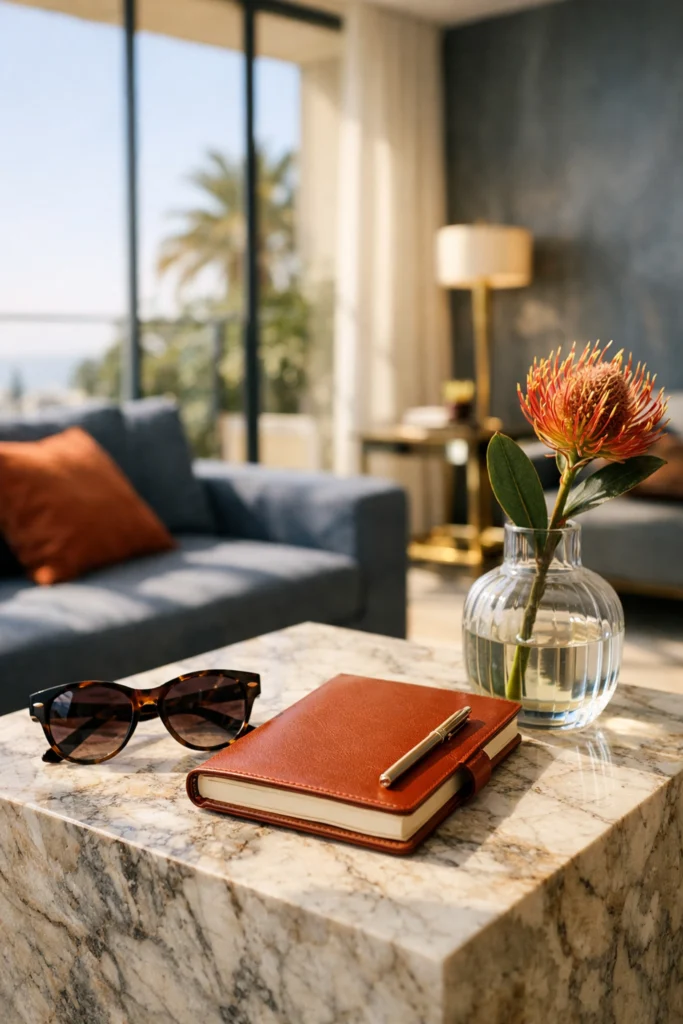
As we move deeper into the decade, three specific styles are dominating the social media landscape. Use these graphic design prompts to keep your brand at the cutting edge.
There is a massive trend toward “nostalgia with a twist.” It feels familiar but looks brand new.
Depth creates stop-power. When elements look like they are popping off the screen, engagement rates skyrocket.
Less is more, but “less” needs to be perfect. This is about the power of whitespace and a single, strong focal point.
Build your visual library using these variations to see which “essence” resonates most with your target demographic. Remember, website design and social design should always feel like they are part of the same family.
A beautiful image is a start, but a high-converting visual is a strategy. To truly simplify your path to ROI, your prompts should account for where the text will live.
Simplify your designs by leaving “room to breathe.” If your AI-generated image is too cluttered, there’s no place for a Call to Action (CTA).
Try this technique: Add the phrase “Negative space on the right third for typography” or “Blurred background to emphasize foreground text” to your prompts.
Analyze your results. Is the viewer’s eye being led to the button? Is the color palette evoking the right emotion? (Blue for trust, red for urgency, green for growth). If you aren’t sure how to bridge the gap between “cool art” and “business tool,” checking out our content creation category can give you the blueprint you need.
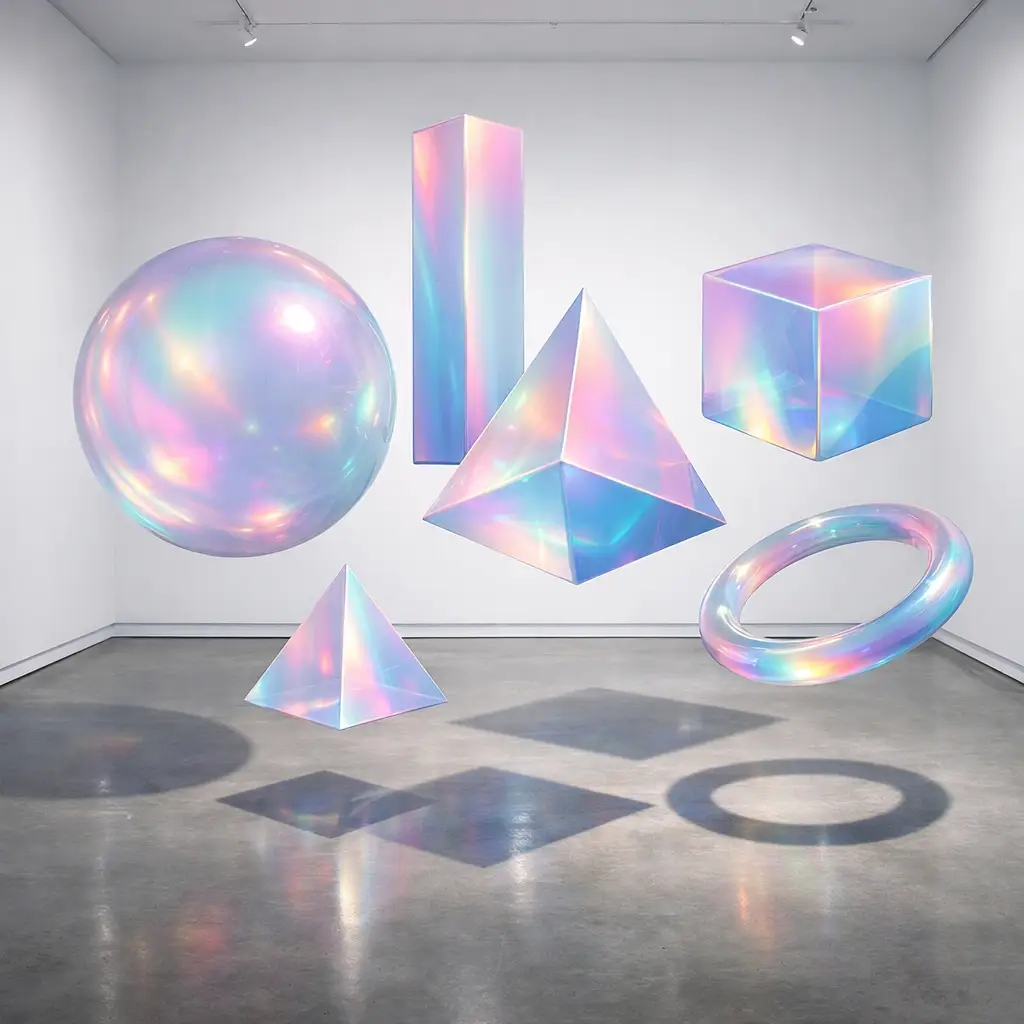
Let’s be real: AI is a tool, not a replacement for a branding and digital design agency. It’s the “spark” that starts the fire.
Draft a workflow that allows you to be the visionary while the AI handles the heavy lifting of the initial “blank frame” stage.

Ready to stop scrolling and start creating? Here is your immediate path forward:
Only if you use generic prompts. By adding specific textures like “grainy film,” “matte finish,” or “natural sunlight,” you can create visuals that feel authentic and high-end.
That’s a common struggle! Start by looking at our industries served to see how different sectors use visual language to communicate.
Absolutely! While social media allows for more “trendy” experimentation, these prompts can help you brainstorm hero images or background textures for your site. Just make sure you optimize your website for SEO while you’re at it.
AI is great for speed, but a professional designer provides the strategy and intent. We ensure your visuals actually align with your business goals. If you’re ready to take your brand to the next level, let’s talk.
The journey from a “blank frame” to a high-converting feed starts with a single, well-crafted sentence. What will your next vision look like?