Home – How to Create an AI Drone Shot Effect Without a Drone (The Pendulum Technique)
What if you could produce a cinematic, sweeping aerial visual that looks like it was captured by a professional pilot—using nothing but your smartphone and a free AI tool?
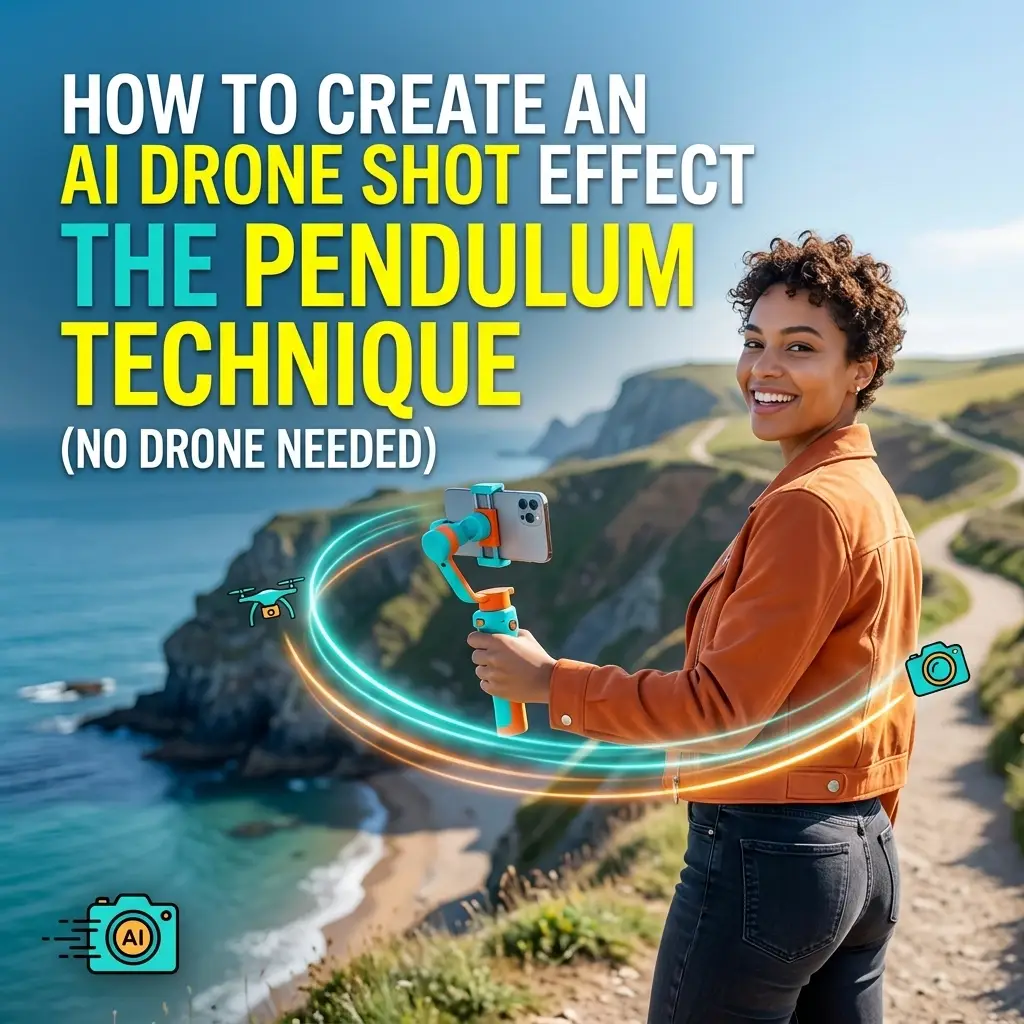
What if you could produce a cinematic, sweeping aerial visual that looks like it was captured by a professional pilot—using nothing but your smartphone and a free AI tool?
In places where drones are restricted—indoors, urban parks, or no-fly zones—this technique is a total game-changer. Using a single still photo and a simple “reverse-clip” trick, you can create a smooth AI drone shot effect that’s designed to go viral on Reels, TikTok, and YouTube Shorts.
The AI drone shot effect (also known as the pendulum drone technique) is a three-step creative workflow:
Capture: Take a regular photo of yourself or a subject.
Generate: Use an AI video tool to transform that photo into a 360-degree flyover.
The Pendulum Edit: Reverse the clip and join it to the original, creating a seamless “swing out and back” motion.
Requirement | Recommended Tool | Purpose |
Source Image | Smartphone (Portrait 9:16) | Capture base photo |
AI Video Engine | Higgsfield, Kling AI, or Invidio | Transforms photos into 3D motion |
Video Editor | For the “Reverse” effect |
Start with a single high-quality photo. For the best results with the AI drone shot effect, follow these tips:
Orientation: Shoot in 9:16 Portrait mode.
Background: Choose a location with depth (rooftops, beaches, or open streets).
Positioning: Stand in the center of the frame with some “breathing room” around you so the AI can visualize the landscape.
This is where the magic happens. We recommend Higgsfield because its Seedance 2.0 model is incredibly credit-efficient.
Upload your photo to the Video – Create a Video tab.
Use this Master Prompt for the best results:
Prompt: “A cinematic 360-degree drone shot panning far away from the person in the frame, wide angle, high resolution, smooth camera movement.”
Set your duration to 5–10 seconds.
Select 1080p resolution and hit Generate.
Once your AI video is ready, download it and open your favorite editor (like CapCut).
Import the AI drone clip.
Duplicate the clip so you have two copies side-by-side.
Select the second clip and hit the “Reverse” button.
The Result: The camera will sweep away from you and then “swing” back perfectly to the starting point.
No Regulations: Bypass FAA rules, permits, and no-fly zones entirely.
Cost-Effective: Achieve Hollywood-level production for the price of a few AI credits.
Versatility: Perfect for Real Estate marketing, Travel vlogs, and Product launches.
Yes. Most tools like Higgsfield and Kling AI offer daily free credits for new users. Using the Seedance 2.0 model is the most affordable way to generate these clips. Tools like Higgsfield and Kling offer daily free credits. Canva, CapCut, and InShot also have free tiers for the reverse feature.
AI performs best when the original photo is clear and well-lit. If the background is too cluttered (like a dense forest), the AI may struggle to “stitch” the 360-degree view. Stick to open spaces for the best results.
While Kling AI offers the highest realism, Higgsfield is faster and easier for beginners. Runway Gen-3 is a great premium alternative if you have a subscription.
This is a common hurdle. Ensure your prompt includes “maintaining consistent facial features” or use the “Character Reference” feature if your tool of choice supports it.
The AI drone shot effect democratizes cinematic production. You no longer need to be a licensed pilot or own a fleet of hardware to capture breathtaking aerials.
By mastering the Pendulum Technique, you are not just making a video; you are nurturing a modern digital presence. You are telling your audience that your brand is forward-thinking, tech-savvy, and deeply invested in quality.
Simplify your workflow by using AI as your creative partner. Build your authority by showing up with visuals that command attention.
Are you ready to stop staring at the blank frame and start soaring above it?
Want more AI-powered branding tips to help your business evolve? Learn more about our vision or get a custom brand glow-up for 2026.
The sky is no longer the limit: it’s your new playground. How will you use it?
Reach out to us today to discover how we can integrate these AI workflows into your total brand ecosystem.