

Home – How to Make Your Website Load Faster: 3 Technical SEO Wins for DIY-ers
Explore how our team is breaking new ground and transforming the creative landscape with fresh, exciting solutions that make a real impact.
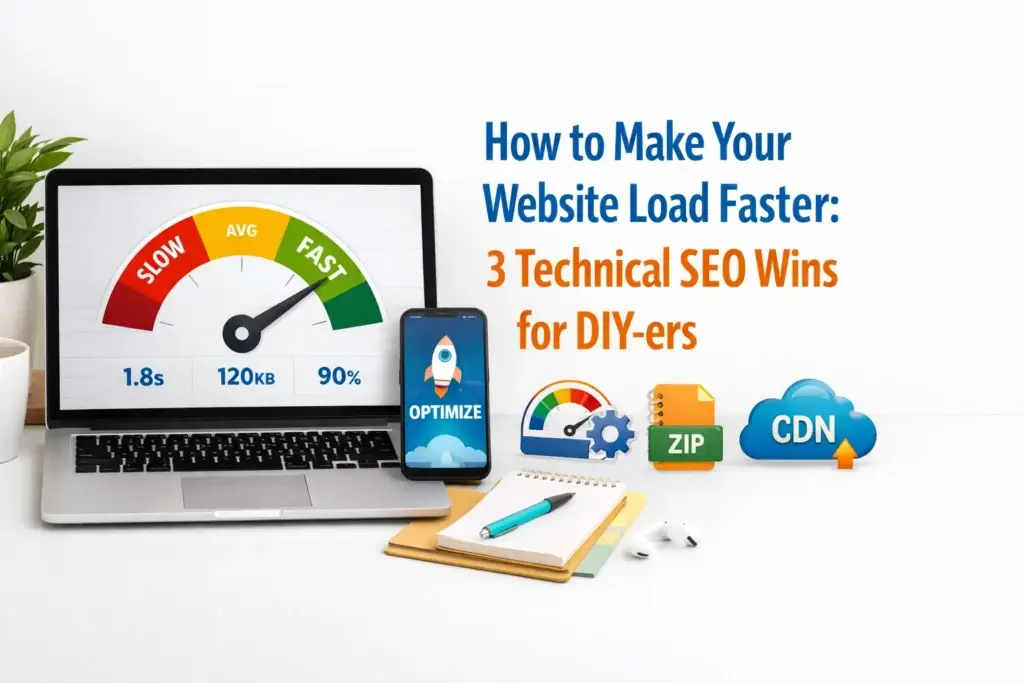
Staring at a blank frame while your website slowly chugs to life is a feeling no founder should have to endure. In 2026, your digital presence is often the first “handshake” you have with a potential client. If that handshake takes ten seconds to happen, you’ve likely already lost their attention.
We often talk about the glow-up of a brand, the colors, the fonts, and the messaging. But a true brand essence is also felt in the flow of the user experience. Technical SEO isn’t just a back-end chore; it is a fundamental part of your digital brand strategy.
When your site loads instantly, you signal professionalism and respect for your visitor’s time. You move from being a “DIY-er who’s trying” to a “CEO who’s leading.” Let’s break down the three most impactful, simple wins you can implement today to reclaim your speed and boost your rankings.
Before we dive into the “how,” we need to align on the “why.” Data is efficient, and the data tells us that even a one-second delay in page load time can lead to a significant drop in conversions.
In the current landscape, search engines are prioritizing “User Delight.” They want to see that your site isn’t just full of keywords, but that it functions with an intentional rhythm. A fast site nurtures trust.
Imagine walking into a high-end boutique. If the door is stuck and the lights are flickering, you don’t care how beautiful the clothes are; you want to leave. Your website is your digital boutique. Let’s fix the door.

Images are the soul of your branding. They capture the spark of your story and help female founders express their authentic narratives. However, they are also the primary reason websites feel sluggish.
Unoptimized images can account for up to 75% of a page’s weight. When you upload a high-resolution photo directly from your camera or a stock site, you are essentially asking your visitor’s browser to lift a heavy weight before they can read your message.
Optimize your workflow by switching to WebP. In 2026, standard JPEGs and PNGs are becoming the “vintage” tech of the web, and not in a cool way. WebP offers superior compression and quality, allowing your visuals to stay crisp while reducing file sizes by up to 30%.
Draft a new habit: Never upload an image larger than it needs to be. If your blog layout is 800 pixels wide, don’t upload a 4000-pixel image. Use free tools to resize and compress your assets before they ever touch your media library.
Simplify the loading process by enabling “Lazy Loading.” This ensures that images only load as the user scrolls down to them. It keeps the “above the fold” content lightning-fast, allowing your hero message to shine immediately.
Does your current imagery feel like it’s weighing your brand down?

Think of browser caching as a “saved memory” for your visitors. When someone visits your site for the first time, their browser has to download everything: your logo, your CSS files, and your brand fonts.
Align your site settings to allow the browser to “remember” these elements. By enabling caching, you tell the browser to store these files locally on the user’s device. When they return, or even just click to another page on your site, the browser doesn’t have to start from scratch.
As a founder building your own presence, you want your repeat visitors to feel a sense of connection and flow. Caching makes the second, third, and fourth clicks feel instantaneous.
Most modern website builders and hosting platforms have a “one-click” caching toggle. If you are using a platform like WordPress, look for a reputable caching plugin. It’s a low-effort move that yields high-impact results for your SEO performance.
Build a foundation of speed. If your site is fast for returning users, they are more likely to spend time exploring your services and eventually reaching out.

Every single file on your website, a script, a stylesheet, an icon, requires an “HTTP request” to the server. The more requests your site makes, the longer it takes to finish “talking” to the browser.
Many DIY websites suffer from “Plugin Bloat.” We see a cool feature, we add a plugin. We want a specific font, we add another script. Before you know it, your site is trying to load 50 different files just to show a single page.
Simplify your backend by conducting a digital detox. Audit your plugins and scripts. If you haven’t used a feature in the last three months, delete the plugin.
Clean up your CSS and JavaScript. Many platforms offer “minification,” which strips out unnecessary spaces and characters from your code. It’s like Marie Kondo-ing your website’s instructions.
A minimalist approach to design isn’t just an aesthetic choice; it’s a technical strategy. By using a clean UI, you naturally reduce the number of requests. Look at how a streamlined interface keeps the focus on the call to action rather than the loading bar.
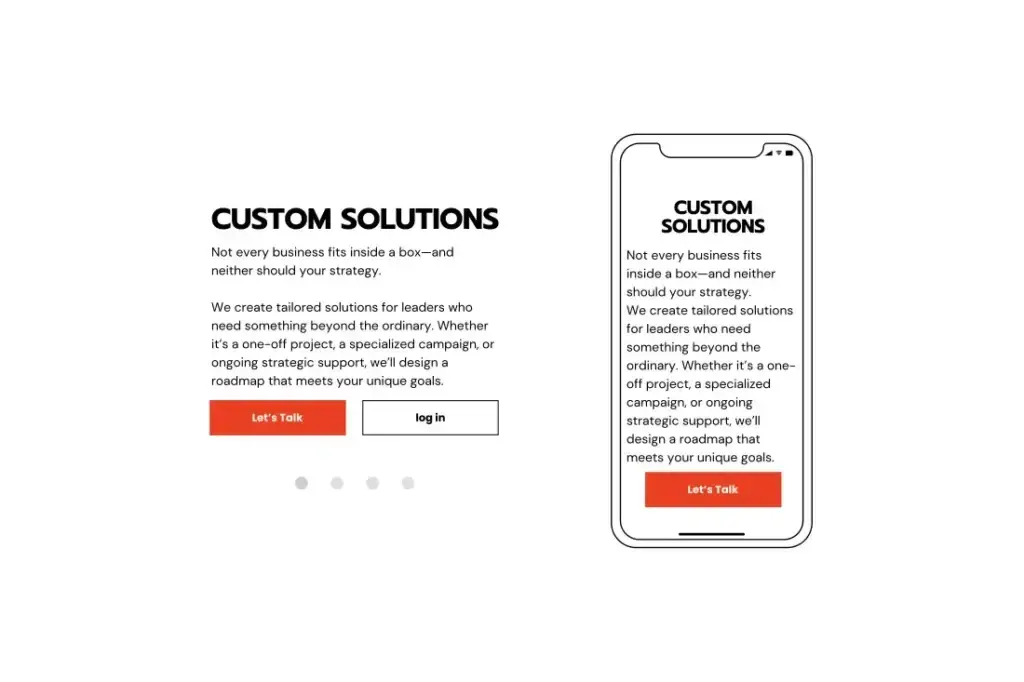
Are you cluttering your user’s path to a “Yes” with unnecessary scripts?
Guessing is expensive; data is efficient. While these three wins are perfect for the DIY stage, there comes a point where your brand’s growth outpaces your technical capacity.
If you’ve optimized your images, enabled caching, and cleaned your scripts, but your site still feels like it’s dragging, it might be time to look at your underlying architecture. This is often where founders realize that a website redesign is the only way to reach the next level of high-ticket clients.
A professional agency doesn’t just “fix” a site; we build a transformative system. We ensure that your brand identity and your technical performance are in perfect harmony.
Don’t let these ideas sit on a shelf. Momentum is built through action. Set a timer for 30 minutes and complete these steps:
Is WebP really better than JPEG?
Yes. In 2026, WebP is the industry standard. It provides high-quality visuals at a fraction of the file size, which is critical for mobile SEO.
Will caching mess up my site updates?
Occasionally, if you make a big design change, you may need to “clear your cache” so visitors see the new version. However, for 99% of your site’s life, caching is your best friend.
How many plugins is “too many”?
There is no magic number, but if you have more than 15-20 plugins on a standard site, you are likely slowing down your load times significantly. Focus on quality over quantity.
Does site speed really affect my Google ranking?
Absolutely. Google uses “Core Web Vitals” as a ranking factor. A slow site is viewed as a poor user experience, which can push you down to the second or third page of search results.
Success in the digital space is about more than just looking good: it’s about functioning with intent and flow. By taking these small technical steps, you are nurturing your brand’s health and ensuring that when your dream client finally finds you, the experience is nothing short of seamless.
Are you ready to stop waiting for your site to load and start watching your business grow? Check out our about page to see how we help founders bridge the gap between DIY and world-class digital design.